0% Intro APR for 15 months on purchases and b… Citi Strata℠ Card Calculators How we make money
VOATLAS
How to Pay for a Document Scanner

How to · Tech

How to Pay for a Document Scanner

Get ready for tax season with a reliable scanner. Here is how to break a $380 purchase into $25.33 monthly payments.

Typical cost $380 before anything else
Across the 0% window $25.33/mo 15 months, no interest

How we got that: $380 spread evenly across the 15-month introductory window on the Discover it® Cash Back. Checked · at the bank Carry a balance past the window and the standard APR applies to what is left.

January means tax prep, and nothing kills your weekend faster than a mountain of paper receipts. A dedicated document scanner is a dull but life-changing tool. A good one will last you ten years, so do not buy a cheap, flimsy model that jams on the first crumpled receipt. You want something fast, reliable, and built to last.

Manufacturer release cycles for scanners are incredibly slow because the tech does not change much. This is good news for us. Last year's model is usually just as fast as the brand-new version, but you can often find it discounted. We are aiming for a solid mid-range machine that costs around $380.

The 15-month window is a strict deadline, not a gift. If you still have a balance on your Discover card when those 15 months are up, the remaining amount will start racking up interest at the standard variable APR. Pay the $25.33 every single month to make sure you clear the debt before the clock runs out.

The steps

  1. 01

    Skip the newest model

    Search for the previous generation of the top-rated sheet-fed scanners. They handle the exact same paper volume, use the same software, and often cost much less. Avoid flatbed scanners unless you plan on scanning old, delicate photo albums.

  2. 02

    Spread out the cost

    If you put the $380 purchase on the Discover it® Cash Back, you can use its 0% intro APR for 15 months on purchases and balance transfers. This lets you split the cost into 15 monthly payments of $25.33. Set up auto-pay so you never miss a month.

  3. 03

    Look for duplex and OCR

    Make sure the model you pick has duplex scanning, which means it scans both sides of a page at once. It also needs optical character recognition, or OCR. This is just a fancy term for making your scanned PDFs searchable so you can find files instantly.

  4. 04

    Clear a dedicated spot

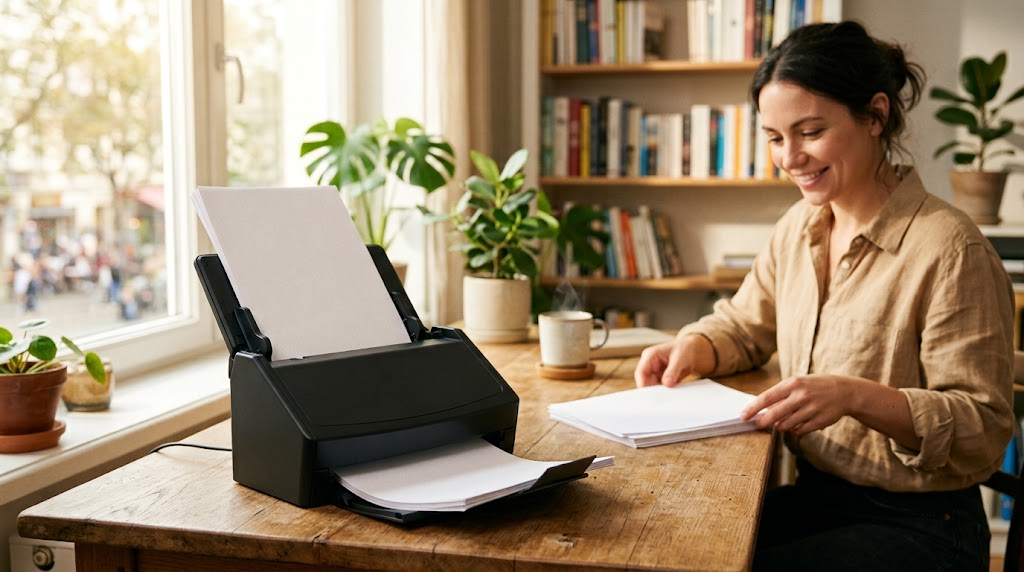
    If you tuck the scanner away in a closet, you will never use it. Give it a permanent home on your desk right next to your computer. Keep the power cord plugged in so you can scan receipts the moment they enter your house.

  5. 05

    Build a simple folder system

    Before you scan your first page, set up three main folders on your computer: Taxes, Medical, and House. Use a simple naming format like YYYY-MM-DD followed by the vendor name. It takes five seconds and saves hours of searching later.

  6. 06

    Check the card terms before you commit

    Every figure we publish for the Discover it® Cash Back carries the date a person verified it against Discover and a link to where they checked. Intro windows and APRs change without notice, so confirm the current terms before applying.

    See Discover it® Cash Back terms →

Common questions

Can't I just use a free scanning app on my phone?

You can for a single page, but trying to scan a 20-page stack of tax documents with a phone camera will make you lose your mind. A real document scanner takes seconds and feeds itself.

What is OCR and why does it matter?

OCR stands for optical character recognition. It turns the picture of a scanned document into actual, searchable text. Without it, you cannot search your computer files for a specific receipt or invoice.

Where should I store my scanned files?

Store them on your local hard drive, but back them up to a secure cloud service. If your computer dies, you do not want your entire digital filing cabinet to vanish with it.

What happens if I miss a payment during the 15 months?

Missing a payment can ruin your credit score and might even cancel your promotional interest rate early. Keep auto-pay active to ensure you stay on track.