0% intro APR for 15 months on purchases and b… Discover it® Cash Back Calculators How we make money
VOATLAS
How to Pay for a Dual-Channel Dash Cam

How to · Auto

How to Pay for a Dual-Channel Dash Cam

Get your security setup during the Cyber Monday slump without draining your emergency fund all at once.

Typical cost $350 before anything else
Across the 0% window $23.33/mo 15 months, no interest

How we got that: $350 spread evenly across the 15-month introductory window on the Discover it® Cash Back. Checked · at the bank Carry a balance past the window and the standard APR applies to what is left.

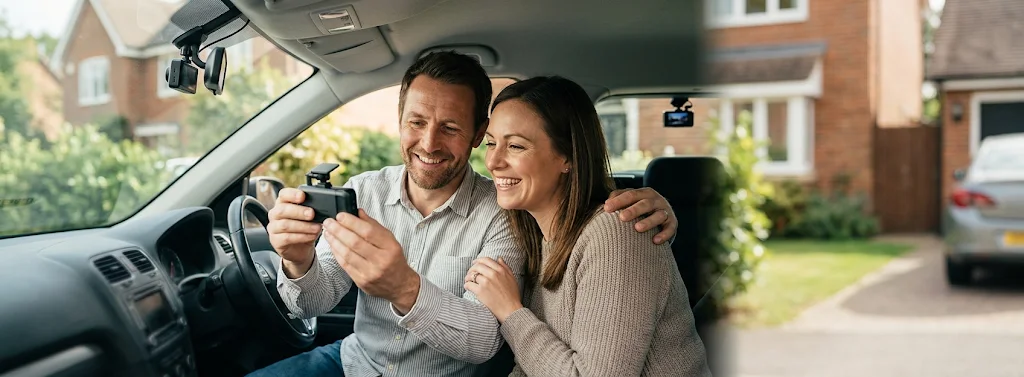
A dash cam is one of those things you hope you never need until you really do. A dual-channel setup with parking mode is great for peace of mind, but at $350, it is not an impulse buy.

Cyber Monday is your best bet for a deal. Retailers want to clear out inventory, so look for bundle discounts on hardwire kits or memory cards while the base price is soft.

Remember that the 15-month intro window is a deadline, not free money. If you do not pay off the full balance before the period ends, you will be charged interest on whatever is left, which can get expensive fast.

The steps

  1. 01

    Hunt for the bundle

    Don't just look at the price of the camera. Look for deals that include the hardwire kit or a high-end memory card. Paying $350 for the camera alone is fine, but getting the extra parts included saves you another $50 or $60.

  2. 02

    Use your 0% window

    The Discover it® Cash Back card offers 0% intro APR for 15 months on purchases and balance transfers. This gives you a 15-month window to pay off the $350 without paying interest. If you divide that by 15, it comes out to $23.33 per month.

  3. 03

    Check the install costs

    If you are not comfortable tapping into your car’s fuse box for parking mode, you will need a pro. Call a local car audio shop and ask for their labor rate. Do not skip this step or you might end up with a dead battery.

  4. 04

    Set an auto-pay

    Log into your card account and set up an automatic payment for $25 a month. This ensures you pay off the balance well before the 15 months are up. You will not have to think about it again.

  5. 05

    Verify your warranty

    Check if your car manufacturer voids electrical warranties for aftermarket cameras. Most do not, but it is better to check the manual now. You want the protection, not a headache at the dealership.

  6. 06

    Check the card terms before you commit

    Every figure we publish for the Discover it® Cash Back carries the date a person verified it against Discover and a link to where they checked. Intro windows and APRs change without notice, so confirm the current terms before applying.

    See Discover it® Cash Back terms →

Common questions

Is parking mode hard on my car battery?

It can be if your camera does not have a voltage cutoff. Make sure the kit you buy includes a device that stops the camera from drawing power if your battery voltage drops too low.

Do I need a pro to install it?

It depends on your skill level. If you are comfortable with trim removal tools and a fuse tap, you can do it yourself in an afternoon.

What happens if I miss a payment?

You might lose your 0% rate and trigger late fees. Always set up a small automatic payment so you never have to remember the due date.

Are Cyber Monday prices really lower?

Usually, yes. Use a site like CamelCamelCamel to check the price history of the specific model you want. If the price is the same as it was in July, skip it and wait for a real dip.