0% intro APR for 15 months from account openi… Chase Freedom Unlimited® Credit Card Calculators How we make money
VOATLAS
How to Pay for a Dual-Channel Dash Cam Setup

How to · Auto

How to Pay for a Dual-Channel Dash Cam Setup

Get your dash cam wired up during the November sales without hitting your wallet all at once.

Typical cost $320 before anything else
Across the 0% window $21.33/mo 15 months, no interest

How we got that: $320 spread evenly across the 15-month introductory window on the Discover it® Cash Back. Checked · at the bank Carry a balance past the window and the standard APR applies to what is left.

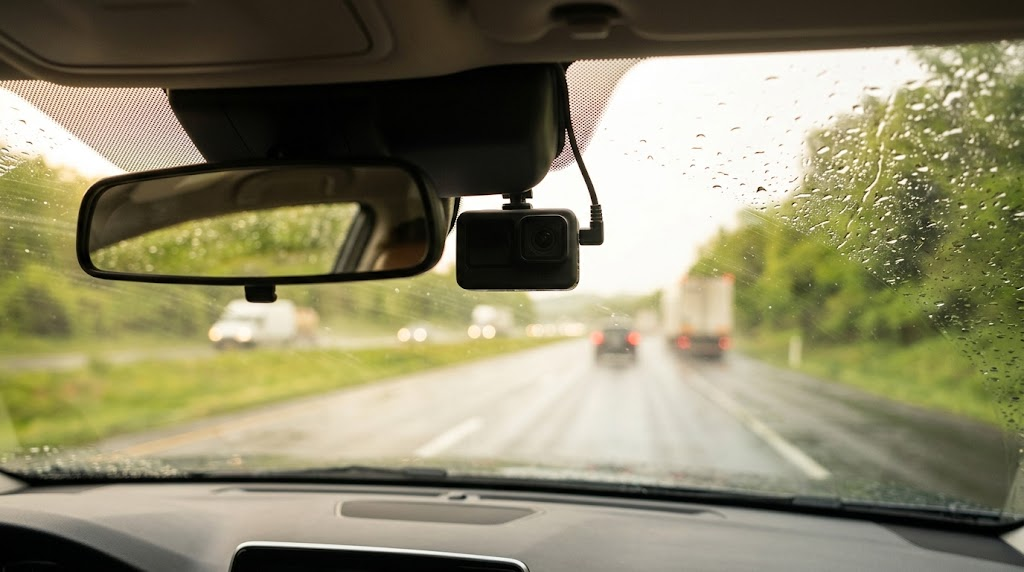
A dash cam is peace of mind, especially when you can see what is happening both behind and in front of you. Hardwiring it ensures the camera stays on while you are parked, which is the best way to catch bumps or theft, but it adds a bit to the installation cost.

November is the sweet spot for electronics, so watch for sales to get that $320 price point down. If you want to spread the cost, you can use the Discover it® Cash Back to handle the payment while you pay it off in chunks.

The 0% intro APR is a deadline, not a gift. If you still have a balance on the card after the 15 months are up, you will start paying interest on whatever is left, so plan to pay it off entirely by then.

The steps

  1. 01

    Wait for the November dip

    Retailers drop prices on dash cams during Black Friday and Cyber Monday sales. Set a price alert now so you know when your preferred model hits that $320 mark or lower.

  2. 02

    Bundle the hardwire kit

    Don't buy the camera and the hardwire kit separately if you can help it. Buying them together often saves you on shipping and ensures the cables are compatible with your specific model.

  3. 03

    Use your 15-month window

    The Discover it® Cash Back offers 0% intro APR for 15 months on purchases and balance transfers. This lets you pay the $320 off in monthly installments of $21.33 without paying a cent in interest during that time.

  4. 04

    Find a local pro

    Hardwiring involves connecting the camera to your car's fuse box. If you aren't comfortable with electronics, pay a local shop to do it right so you don't void your car's warranty.

  5. 05

    Set up autopay

    Calculate what you need to pay each month to clear the $320 before the 15-month window ends. Set up an automatic payment so you never miss a due date.

  6. 06

    Check the card terms before you commit

    Every figure we publish for the Discover it® Cash Back carries the date a person verified it against Discover and a link to where they checked. Intro windows and APRs change without notice, so confirm the current terms before applying.

    See Discover it® Cash Back terms →

Common questions

Do I really need a dual-channel cam?

A front-only camera misses what happens when someone hits your bumper while you are parked. If you live in a city or park in busy lots, the rear camera is worth the extra cost.

Will hardwiring drain my car battery?

Most decent hardwire kits have a low-voltage cutoff. This means the camera will shut off automatically if it senses your car battery dropping below a safe level.

What happens if I miss a payment?

You might lose your promotional interest rate if you miss a payment deadline. Always keep your account in good standing to protect that 0% window.

Is a pro install worth the money?

It depends on your skill level. A pro install looks cleaner because they tuck the wires into the headliner and dash trim, plus they know how to tap into the correct fuses.