0% for 12 months on purchases and 0% for 21 m… Citi® Diamond Preferred® Credit Card Calculators How we make money
VOATLAS
How to Budget for a Smart Lawn Irrigation Controller

How to · Home

How to Budget for a Smart Lawn Irrigation Controller

Upgrade your yard watering setup early to save money and avoid the peak spring rush.

Typical cost $220 before anything else
Across the 0% window $14.67/mo 15 months, no interest

How we got that: $220 spread evenly across the 15-month introductory window on the Discover it® Cash Back. Checked · at the bank Carry a balance past the window and the standard APR applies to what is left.

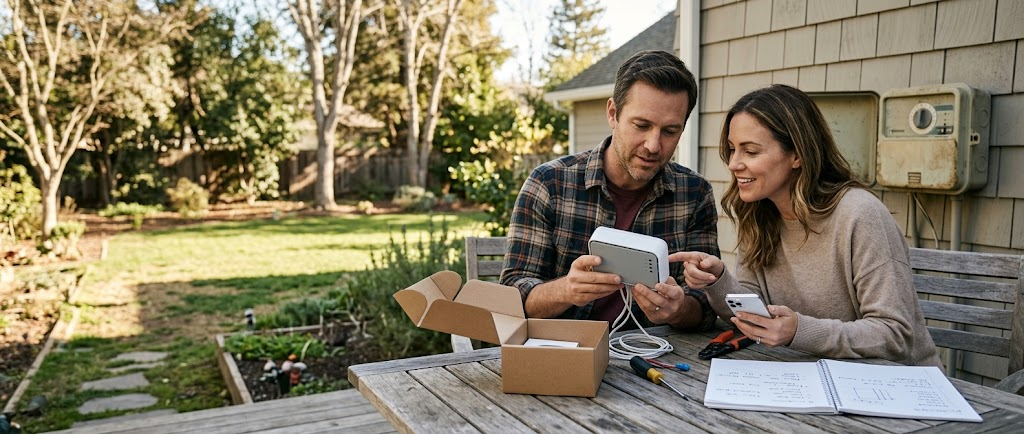
No more dragging hoses around or wasting water right before a rainstorm. A smart irrigation controller automates your watering schedule based on real-time weather forecasts, keeping your lawn healthy while trimming your utility bill. Replacing an old timer takes about an hour or two. Buying in late winter or early spring lets you catch preseason discounts before prices jump when everyone starts planting.

If your system needs updated wiring or you want a professional to install a master valve, line up tradespeople before their schedules fill up. Getting two or three quotes early in the year gets you lower labor rates and guarantees you are ready to go as soon as the ground thaws.

Remember that a 0% promotional window is a firm payoff deadline, not free cash. If you still carry a balance when the 15 months end, interest will apply to whatever is left at the standard ongoing APR. Stick to the $14.67 monthly plan to clear it out stress-free.

The steps

  1. 01

    Count your watering zones

    Check your existing timer box to see how many zones your yard uses. Smart controllers usually come in 4, 8, or 16-zone models. Buying only the capacity you need keeps your upfront costs down.

  2. 02

    Get multiple installer quotes early

    If you are not replacing an existing timer yourself, call irrigation pros in February. They are looking for work during the slow season and will offer better rates than in May. Get at least two written quotes before picking an installer.

  3. 03

    Watch for early spring sales

    Home improvement retailers clear out older inventory and discount smart home gear right before lawn season kicks off. Set up price alerts in late winter so you can buy as soon as the price drops.

  4. 04

    Use a 0% interest window

    Charge the $220 purchase to the Discover it® Cash Back card. The card offers a 0% intro APR for 15 months on purchases and balance transfers. If you divide the cost evenly, that comes out to $14.67 per month.

  5. 05

    Automate your monthly payments

    Set up an automatic monthly transfer for $14.67 in your bank account as soon as you make the purchase. Paying it on schedule clears the full balance well before the promotional period expires.

  6. 06

    Check the card terms before you commit

    Every figure we publish for the Discover it® Cash Back carries the date a person verified it against Discover and a link to where they checked. Intro windows and APRs change without notice, so confirm the current terms before applying.

    See Discover it® Cash Back terms →

Common questions

Can I install a smart irrigation controller myself?

Yes, if you are replacing an existing low-voltage sprinkler timer. The process involves labeling your current zone wires, swapping the wall mount, and connecting to Wi-Fi, which usually takes under two hours.

How much money does a smart irrigation controller actually save?

Most households cut outdoor water use by 20% to 50% by eliminating unnecessary watering days. For a average yard, the lower water bills usually offset the purchase price within two seasons.

What happens if I do not pay off the balance in 15 months?

Once the 15-month period ends, the card's standard variable rate kicks in on the remaining principal. You will not owe retroactive interest on the amount you already paid, but any leftover balance starts gathering interest immediately.

Do smart irrigation controllers work without Wi-Fi?

They require Wi-Fi for initial setup and weather updates. If your connection drops, most units continue running their last saved schedule, but you will not get real-time weather adjustments until the connection returns.