0% intro APR for 6 months on purchases Discover it Student Chrome Calculators How we make money
VOATLAS
How to Buy a 4-Bay NAS Server

How to · Tech

How to Buy a 4-Bay NAS Server

Lock down your data storage for the long haul without blowing your cash flow all at once.

Typical cost $850 before anything else
Across the 0% window $56.67/mo 15 months, no interest

How we got that: $850 spread evenly across the 15-month introductory window on the Discover it® Cash Back. Checked · at the bank Carry a balance past the window and the standard APR applies to what is left.

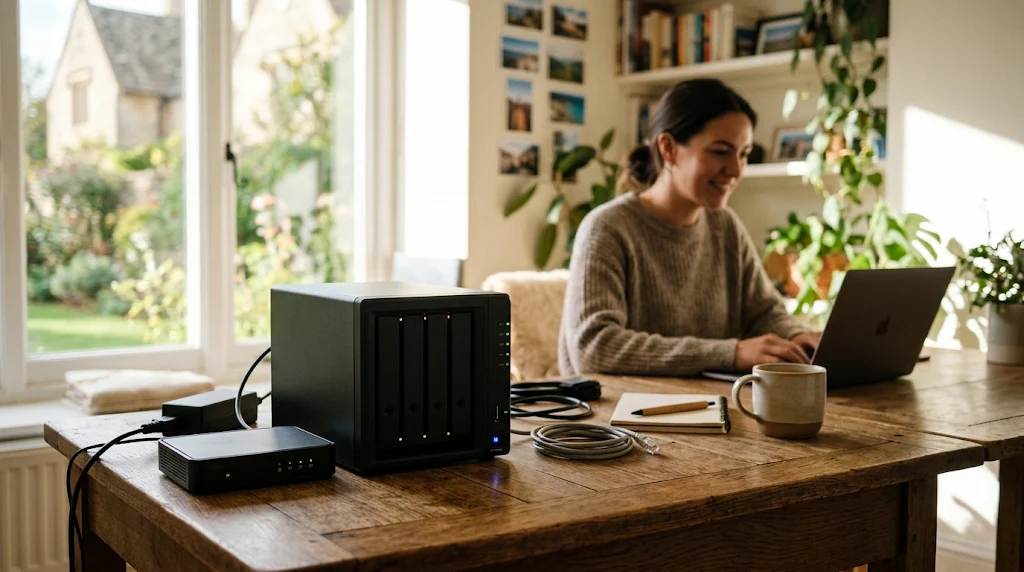
A solid 4-bay network-attached storage server is meant to sit in your corner backing up every machine in the house and streaming your media for the next five to seven years. Buying right means getting something with enough drive bays and processing power that you aren't wishing you spent an extra fifty bucks six months from now. Look for models that can handle hardware transcoding if you plan on streaming heavy video files to different rooms.

Storage gear follows a pretty predictable release cycle where manufacturers drop updated enclosures every couple of years. When the new version hits, last year's model usually drops in price while offering almost identical performance for home setups. Pair that timing with a major online electronics sale day to stack the discount on the enclosure with price cuts on the high-capacity hard drives you will need to fill those bays.

That 15-month intro window is a hard deadline, not free money, so make sure you divide your total by fifteen and pay at least that much every month. If you leave any of the balance on the card when that window closes, you will get hit with interest charges on the original purchase amount from day one.

The steps

  1. 01

    Pick your hardware tier

    Decide whether you need a basic file vault or a heavier machine that can run virtual machines and Docker containers. Stick to well-known brands so you can easily find replacement parts or community support when you need to troubleshoot a drive failure down the road.

  2. 02

    Wait for a sale event

    Keep the 4-bay enclosure and your high-capacity hard drives in a cart and wait for major online electronics sale days like Prime Day or Black Friday. Buying the drives and the chassis at the same time during a promotional window saves you from paying shipping fees on multiple separate orders.

  3. 03

    Use your card window

    If you want to stretch out the $850 cost, the Discover it® Cash Back gives you 0% intro APR for 15 months on purchases and balance transfers. That breaks down to about $56.67 per month if you want to spread the total evenly across the window without paying interest.

  4. 04

    Buy matching hard drives

    Get NAS-rated hard drives designed to spin 24/7 and handle the vibrations of multiple drives sitting next to each other in the same enclosure. Try to buy drives from different manufacturing batches if you can, which slightly lowers the odds that a single factory flaw takes out two drives at the same time.

  5. 05

    Set up your raid array

    Plan for redundancy from day one by setting your drives up in a RAID configuration that can survive a single disk failure without losing your data. Remember that RAID is for uptime, not backups, so you still need an off-site copy of your most important files.

  6. 06

    Check the card terms before you commit

    Every figure we publish for the Discover it® Cash Back carries the date a person verified it against Discover and a link to where they checked. Intro windows and APRs change without notice, so confirm the current terms before applying.

    See Discover it® Cash Back terms →

Common questions

Do I need to buy all four hard drives at once?

You don't have to fill every bay on day one, but starting with at least three drives lets you build a proper fault-tolerant array right away. Buying all your storage upfront during a sale usually saves you more money than buying smaller drives and upgrading them later.

What is the difference between desktop drives and NAS drives?

NAS drives are built with rotational vibration sensors to handle the constant movement of multiple drives crammed into one small box. Desktop drives can fail faster in a multi-bay setup because they aren't designed to deal with that continuous shared vibration.

How much storage capacity do I actually need?

Take your current digital footprint, double it to account for future growth over the next five years, and buy for that number. High-capacity drives fill up much faster than you think once you start backing up every phone, laptop, and media file in the house.

Can a NAS replace my cloud storage subscription?

It can easily replace your paid cloud storage for file sharing and photo backups while giving you much faster local transfer speeds. You just have to handle your own hardware maintenance and set up a secondary backup routine in case something happens to the physical box.