0% Intro APR for 15 months on purchases and b… Citi Strata℠ Card Calculators How we make money
VOATLAS
How to Pay for a Wireless CarPlay Head Unit

How to · Auto

How to Pay for a Wireless CarPlay Head Unit

Upgrade your car's tech without blowing your budget by timing the purchase of last year's model.

Typical cost $850 before anything else
Across the 0% window $47.22/mo 18 months, no interest

How we got that: $850 spread evenly across the 18-month introductory window on the Citi Simplicity® Credit Card. Checked · at the bank Carry a balance past the window and the standard APR applies to what is left.

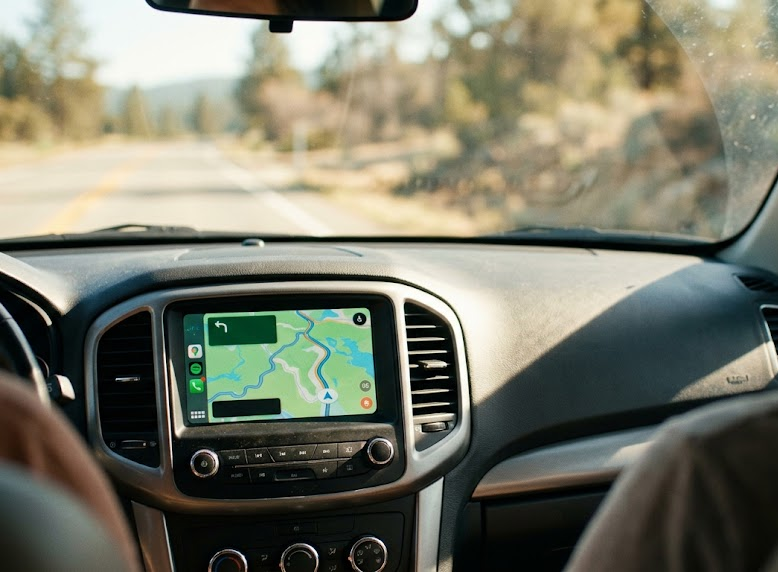
A modern touchscreen makes an older car feel brand new. You get maps, music, and hands-free texts without fumbling with your phone, but it usually costs about $850 for a quality unit and installation. The best time to buy is right after the new models hit the shelves, when retailers slash prices on last year's inventory to clear shelf space.

You do not need to drain your savings to make this happen. By using a 0% interest window, you can spread the cost out over time without paying extra fees for the privilege. Just keep in mind this is a loan, not a discount.

Remember that this 0% offer is a deadline, not free money. If you have any balance left after the 18 months are up, you will be hit with interest on the remaining amount, which can be expensive.

The steps

  1. 01

    Search for last year's tech

    Look for the previous generation of head units from reputable brands. These models have the same wireless Apple CarPlay features you want but often sit at a lower price point. Check major audio retailers to see what they are trying to clear out.

  2. 02

    Get an install quote

    Unless you are very comfortable with car wiring, pay a professional shop to install it. Call a few local spots and ask for a flat installation fee before you buy the hardware. Make sure they include the steering wheel control interface in that price.

  3. 03

    Use the Citi Simplicity® Credit Card

    Put the purchase on your Citi Simplicity® Credit Card to take advantage of the 0% for 18 months on purchases and balance transfers from date of account opening. This lets you pay roughly $47.22 a month for the hardware and labor without accruing interest for 18 months.

  4. 04

    Set up autopay

    Link your bank account to the card and set up an automatic payment for at least $50 each month. This ensures you pay off the $850 balance before the intro window expires. You want to avoid the high interest that kicks in once the promotional period ends.

  5. 05

    Check the connections

    Once installed, test the wireless connection immediately. Ensure your phone pairs automatically when you start the engine. If it feels laggy, check if the unit needs a firmware update from the manufacturer's website.

  6. 06

    Check the card terms before you commit

    Every figure we publish for the Citi Simplicity® Credit Card carries the date a person verified it against Citi and a link to where they checked. Intro windows and APRs change without notice, so confirm the current terms before applying.

    See Citi Simplicity® Credit Card terms →

Common questions

Is wireless CarPlay better than wired?

It is much more convenient because your phone stays in your pocket. However, it drains your phone battery faster. Keep a charging cable in the console for long road trips.

Will a new head unit ruin my dashboard?

Professional installers use a dash kit that matches your car's interior color and texture. When done right, it looks like it came from the factory.

What happens if I miss a payment?

Missing a payment can end your 0% deal early. Always pay at least the minimum on time to keep the promotional interest rate active.

Can I install this myself?

If you have experience with car audio, sure. If not, it is easy to fry a fuse or break plastic dash clips that are impossible to replace. Pay the pro.